How to reset a teacher’s password:
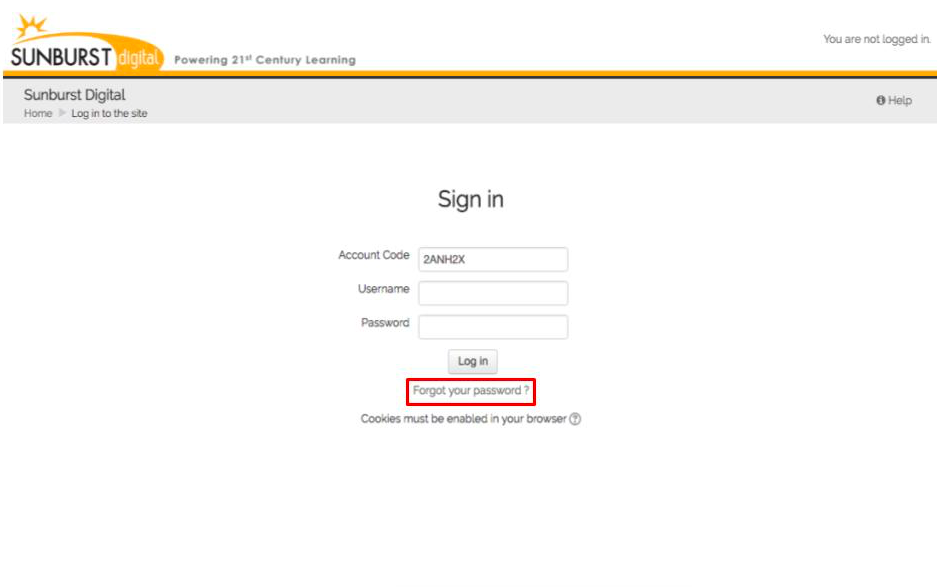
- Go to the login screen (www.typetolearnn.com)
- Click the Forgot your password? link
- Enter your Account Code and Username
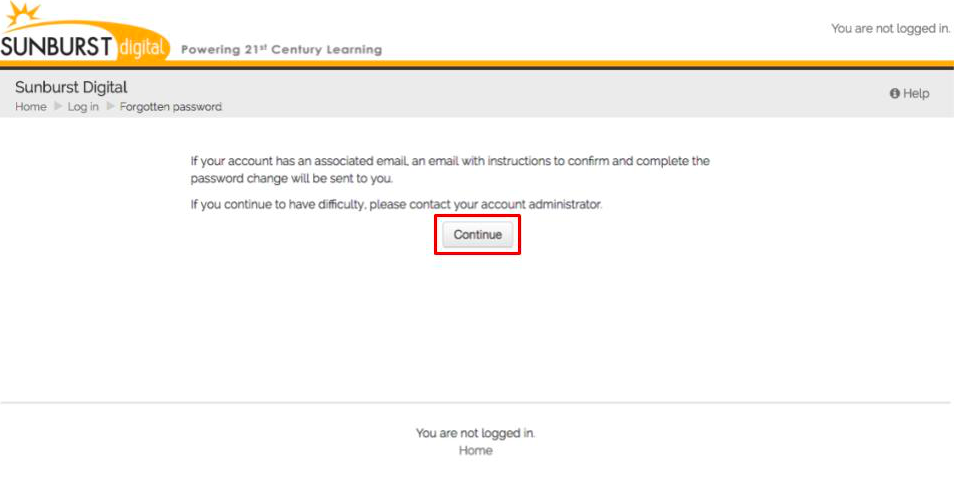
- Click Continue
- You will receive an email from Sunburst Digital with instructions to complete your password reset
How to reset a student’s password:
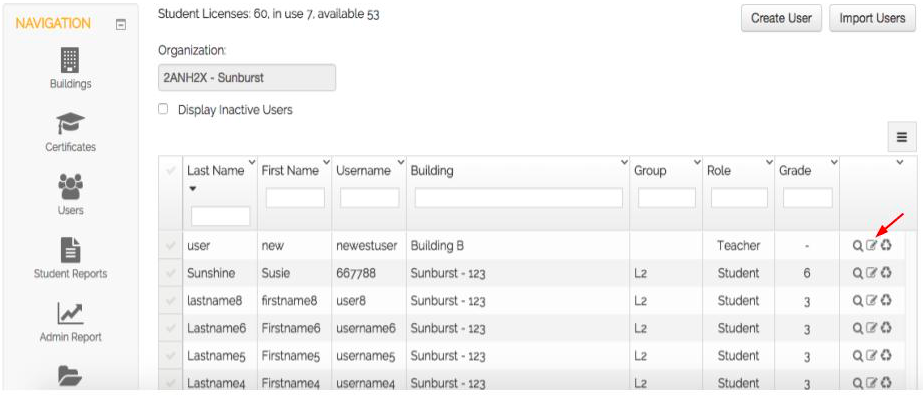
1. Go to the Users page.
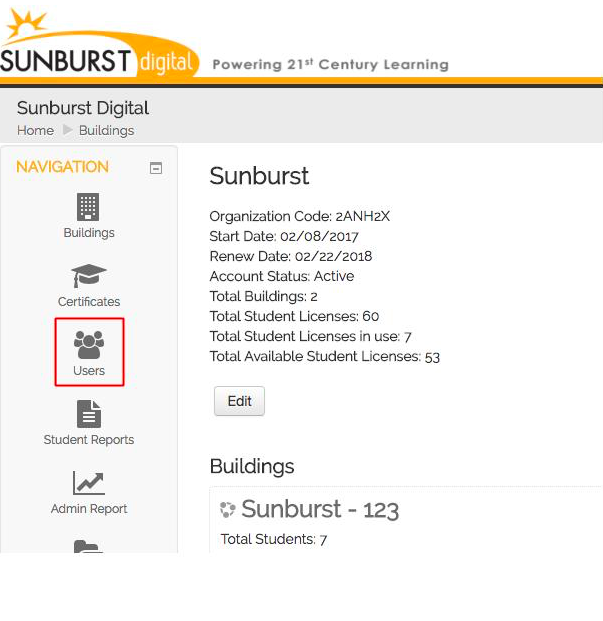
2. Click the Edit User Profile icon to the right.
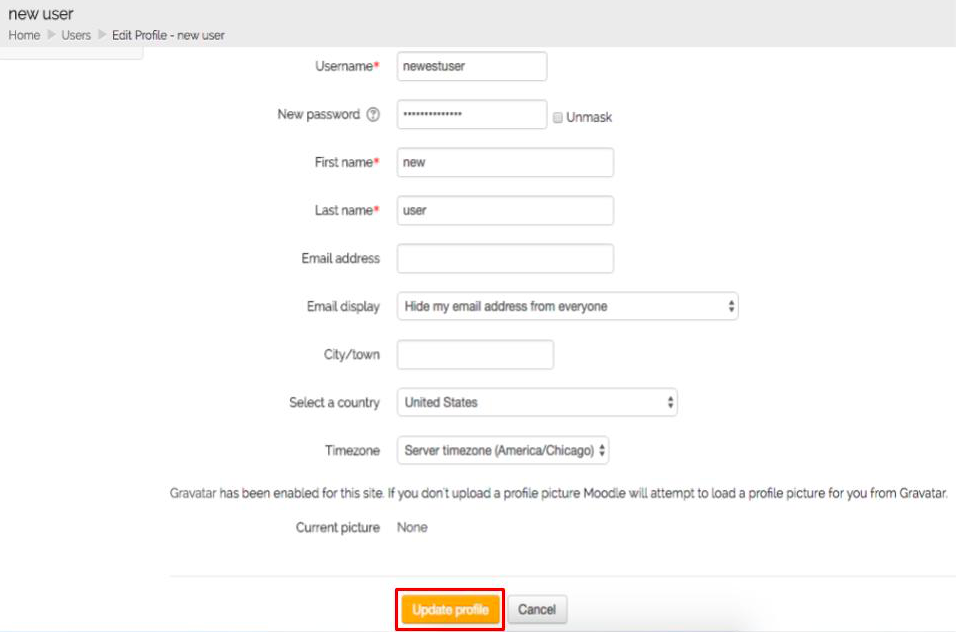
3. Enter a password in the New password field.
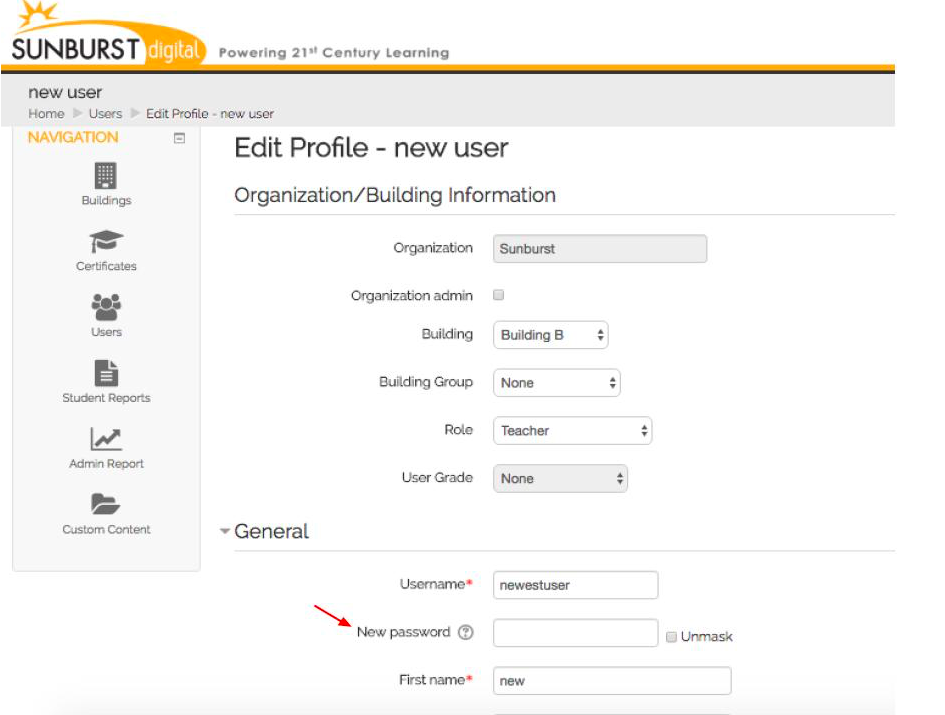
4. Click Update Profile to save.